
CRM & Workflow Automation
CRM & Workflow Automation Services That Organize Leads, Automate Follow-Ups, and Improve Business Efficiency
Build a smarter business operating system with CRM setup, lead tracking, workflow automation, sales pipeline management, follow-up sequences, reporting dashboards, and customer journey automation.
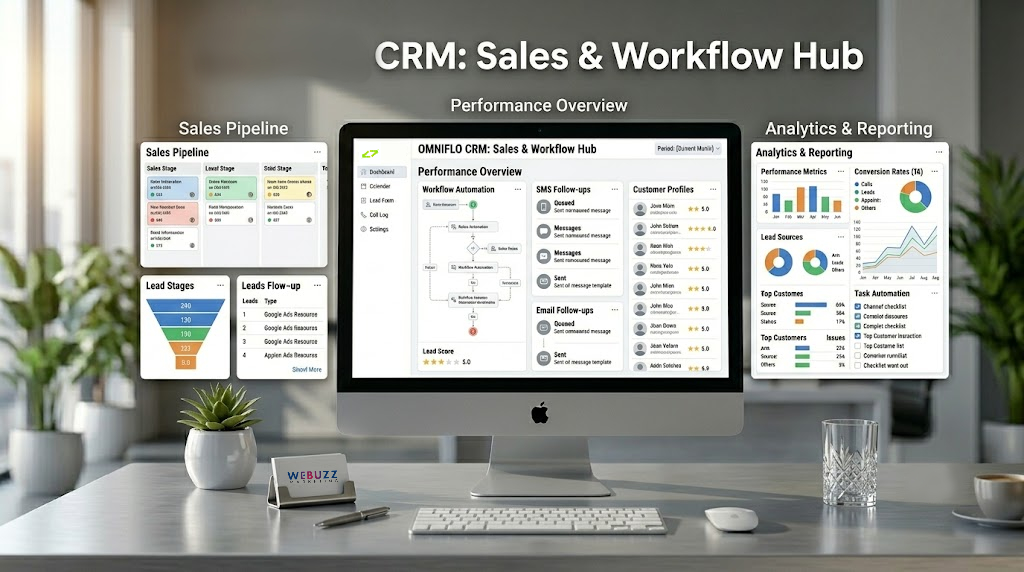
What Is CRM & Workflow Automation?
CRM & Workflow Automation connects your lead management, customer communication, sales process, appointments, tasks, and reporting into one organized system. It helps businesses automatically capture leads, follow up with prospects, update pipelines, assign tasks, track conversations, and improve the customer journey without relying on repetitive manual work.
Why Businesses Need CRM Automation
Many businesses lose revenue because leads are scattered across emails, forms, calls, messages, spreadsheets, and social media inboxes. Without a structured CRM and automation system, follow-ups get missed, teams lose visibility, and customers experience delays.
Leads Fall Through the Cracks
New inquiries are missed when there is no centralized lead management system.
No Follow-Up System
Manual follow-ups are inconsistent and often happen too late.
Disorganized Sales Pipelines
Without clear pipeline stages, teams struggle to know where each prospect stands.
Manual Data Entry
Staff waste valuable time copying information between systems.
Poor Team Visibility
Business owners cannot easily see lead status, sales activity, or team performance.
Slow Customer Response
Delayed communication can cause prospects to choose competitors.
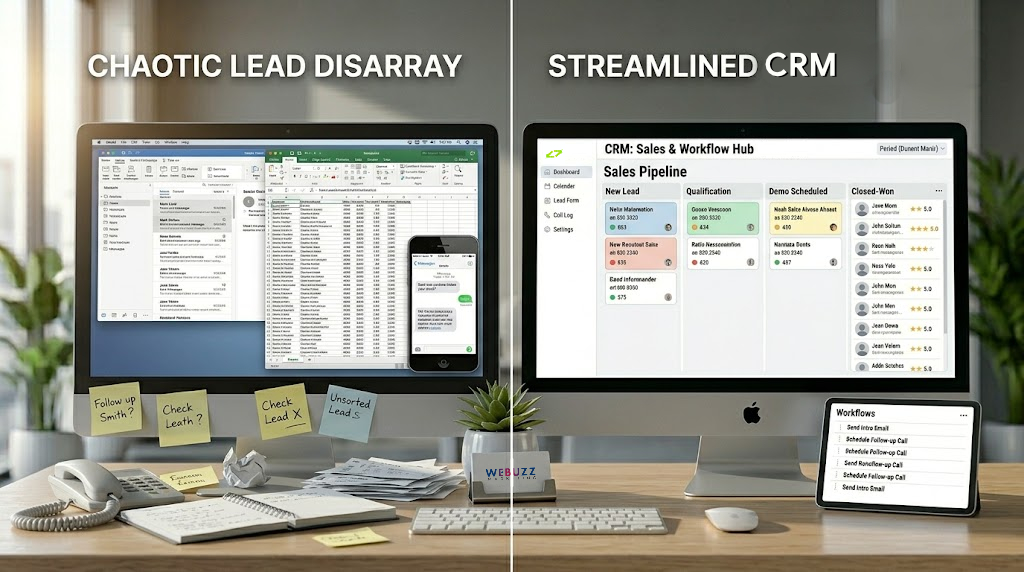
Our CRM & Workflow Automation Solutions
We design and configure CRM automation systems that help your business manage leads, customers, sales processes, communication, and operations more efficiently.
CRM Setup & Configuration
We configure your CRM structure, contact fields, pipelines, stages, tags, user permissions, and core business settings.
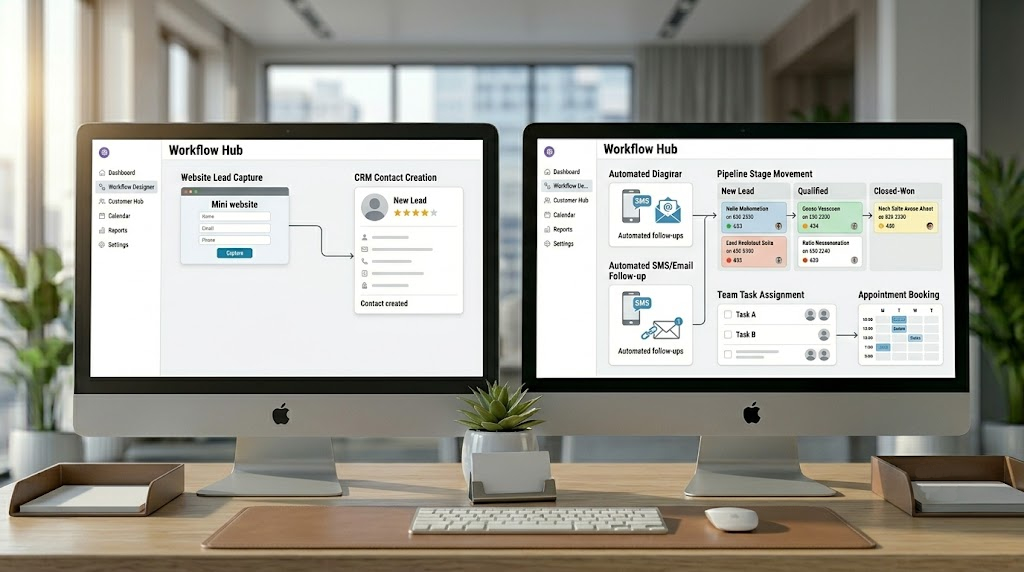
Lead Capture Automation
Capture leads from websites, landing pages, ads, calls, chat widgets, forms, and booking systems.
Sales Pipeline Automation
Automatically move leads through pipeline stages based on actions, form submissions, appointments, or team updates.
Follow-Up Automation
Send automated SMS, email, reminders, and nurture sequences to improve response and conversion rates.
Task & Team Automation
Assign tasks, notify team members, trigger reminders, and keep staff aligned.
Appointment Workflow Automation
Connect booking calendars with automated confirmations, reminders, and pipeline updates.
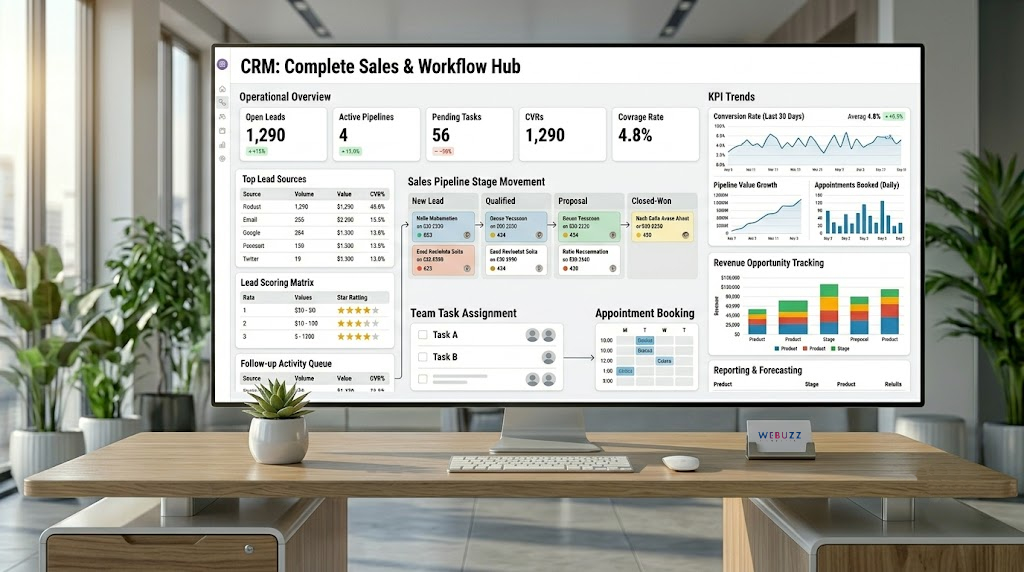
Reporting Dashboard Setup
Track leads, appointments, conversions, revenue opportunities, team activity, and workflow performance.
What Can Be Automated?
| Business Process | Automation Opportunity |
|---|---|
| Website Leads | Send form submissions directly into CRM |
| Follow-Ups | Automated SMS and email sequences |
| Sales Pipeline | Automatic stage updates and task creation |
| Appointments | Booking confirmations and reminders |
| Team Tasks | Automatic assignment and notifications |
| Customer Segmentation | Tags, lists, and behavior-based grouping |
| Reviews | Automated review request workflows |
| Reporting | Performance dashboards and scheduled reports |
What’s Included
- CRM Setup & Configuration
- Custom Sales Pipeline Creation
- Lead Capture Form Integration
- Workflow Automation Design
- Email Follow-Up Automation
- SMS Follow-Up Automation
- Appointment Workflow Setup
- Task Assignment Automation
- Contact Tagging & Segmentation
- Reporting Dashboard Setup
- Testing & Optimization
- Basic Staff Training
Service Deliverables
- Configured CRM System
- Custom Lead Management Pipeline
- Automated Follow-Up Workflows
- Lead Capture Forms Connected to CRM
- Appointment Reminder Workflows
- Contact Tags and Segments
- Task Automation Rules
- CRM Reporting Dashboard
- Workflow Testing Report
- Basic Usage Documentation
Available Add-Ons
- GoHighLevel CRM Setup
- HubSpot CRM Setup
- Advanced Multi-Pipeline Setup
- Sales Funnel Integration
- Website Chat Widget Integration
- AI Receptionist Integration
- Missed Call Text Back Automation
- Advanced SMS Campaigns
- Advanced Email Nurture Campaigns
- Review Request Automation
- Google Calendar Integration
- Custom API Integration
- Advanced Reporting Dashboard
- Team Training Session
Benefits of CRM & Workflow Automation
Faster Lead Response
New inquiries can receive immediate automated follow-up instead of waiting for manual response.
Better Lead Organization
Keep every prospect, customer, conversation, and status organized in one central system.
Higher Conversion Opportunities
Consistent follow-up helps more prospects move from inquiry to appointment or purchase.
Reduced Administrative Work
Automation reduces repetitive tasks such as data entry, reminders, and manual updates.
Improved Customer Experience
Customers receive faster, more consistent communication throughout their journey.
Better Team Accountability
Tasks, reminders, and pipeline stages help teams know what needs attention.
Scalable Business Operations
As your business grows, automated systems help manage more leads without adding unnecessary complexity.
Industries We Serve
- Medical Clinics
- Dental Clinics
- Psychology Clinics
- HVAC Companies
- Plumbing Businesses
- Electrical Contractors
- Marketing Agencies
- Consultants & Coaches
- Law Firms
- Real Estate Professionals
- Home Service Businesses
- Local Service Providers
Our CRM Automation Setup Process
Step 1: Business Workflow Discovery
We review your lead sources, customer journey, sales process, current tools, and operational bottlenecks.
Step 2: CRM Architecture Planning
We define your pipelines, stages, contact fields, tags, workflows, and reporting requirements.
Step 3: CRM Configuration
We configure the CRM system based on your business structure and service model.
Step 4: Workflow Automation Setup
We create automated triggers, follow-up sequences, task rules, reminders, and pipeline movements.
Step 5: Integration & Testing
We connect forms, calendars, websites, communication tools, and test the full customer journey.
Step 6: Launch & Training
We help launch the system and provide basic guidance so your team can use it confidently.
Frequently Asked Questions
What is CRM & Workflow Automation?
CRM & Workflow Automation is the process of organizing leads and customers inside a CRM while automating follow-ups, tasks, pipeline updates, appointments, and reporting.
Do small businesses need a CRM?
Yes. A CRM helps small businesses organize leads, track conversations, improve follow-up, and manage customer relationships more professionally.
Can CRM automation increase sales?
CRM automation can improve response times, follow-up consistency, and sales pipeline visibility, which can support higher conversion opportunities.
Can website forms connect to a CRM?
Yes. Website forms can be connected so new inquiries automatically create contacts or opportunities.
Can SMS and email follow-ups be automated?
Yes. Follow-up sequences can send automated SMS and email messages based on lead behavior or pipeline stage.
Can appointments be connected to CRM workflows?
Yes. Booking activity can trigger confirmations, reminders, pipeline updates, and follow-up messages.
Which CRM platforms can be used?
CRM platforms may include GoHighLevel, HubSpot, Zoho, Salesforce, or other systems depending on business needs.
Can you set up GoHighLevel workflows?
Yes. GoHighLevel setup and workflow automation can be included or added as an advanced service option.
Can existing CRM systems be improved?
Yes. Existing CRMs can often be reorganized, optimized, and upgraded with better automation workflows.
Does CRM automation replace employees?
No. CRM automation supports teams by reducing repetitive work and improving visibility.
Can CRM automation help with missed calls?
Yes. Missed call workflows can trigger text-back messages, task assignments, and lead follow-up.
Can reporting dashboards be included?
Yes. Dashboards can track leads, appointments, conversions, team activity, and campaign performance.
How long does CRM setup take?
The timeline depends on the CRM platform, number of workflows, integrations, and business complexity.
Can multiple pipelines be created?
Yes. Businesses with multiple services, teams, or locations can use multiple pipelines.
What should be automated first?
The best starting points are usually lead capture, follow-ups, appointment reminders, pipeline updates, and task assignments.
Ready to Organize Your Leads and Automate Your Business Workflows?
A powerful CRM system can help your business stop losing leads, respond faster, follow up consistently, and manage customers more professionally.
Gigantic Engine builds CRM & Workflow Automation systems that improve efficiency, customer communication, lead management, and long-term business growth.
